On this page
The 24-hour operating test
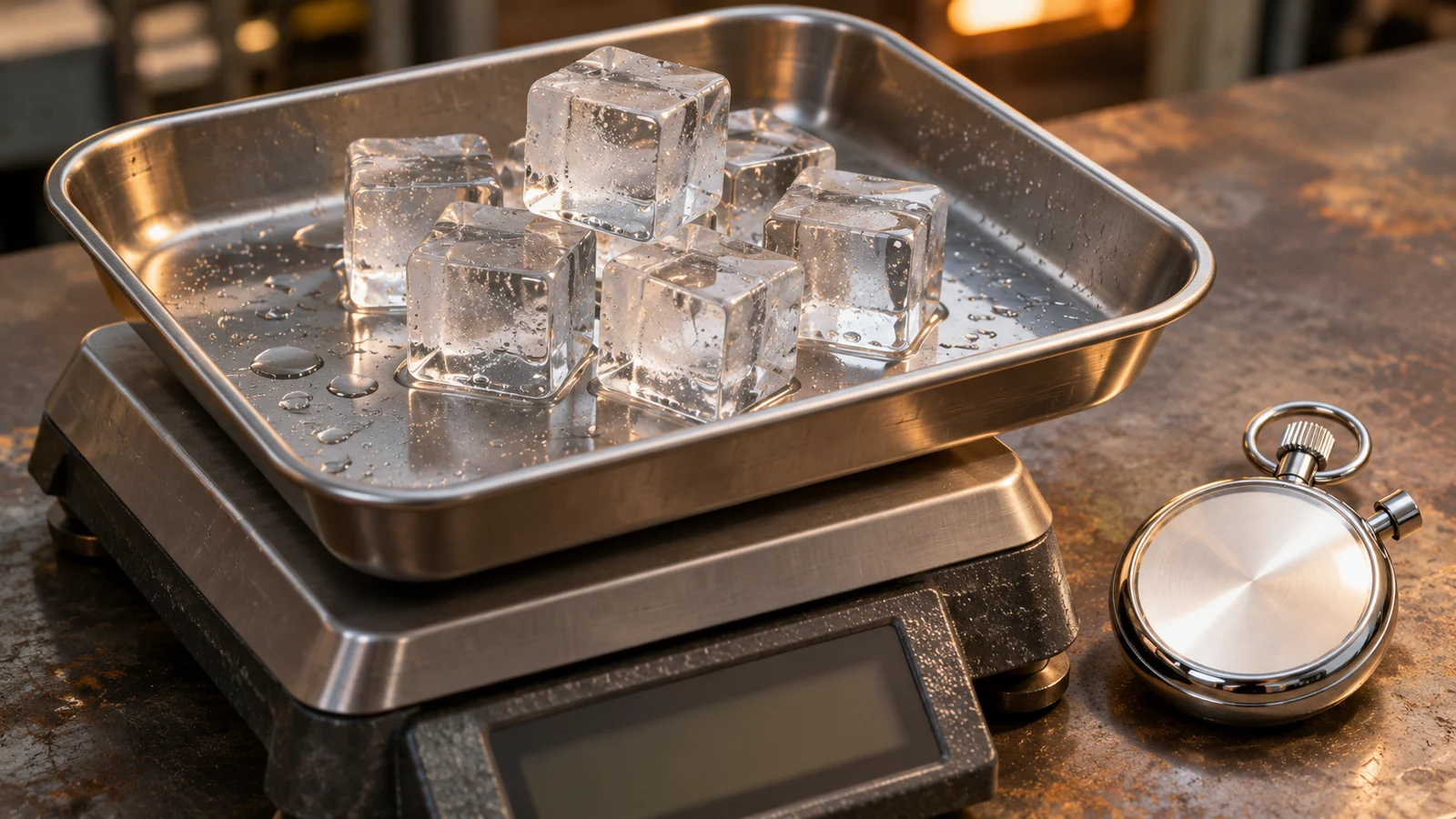
ICES runs a 24-hour operating test on every ice machine before shipment. For each unit, we record whether it operates normally and how much ice it actually produces during those 24 hours. We use those observations to check operation and confirm that the unit meets its production requirement before dispatch.
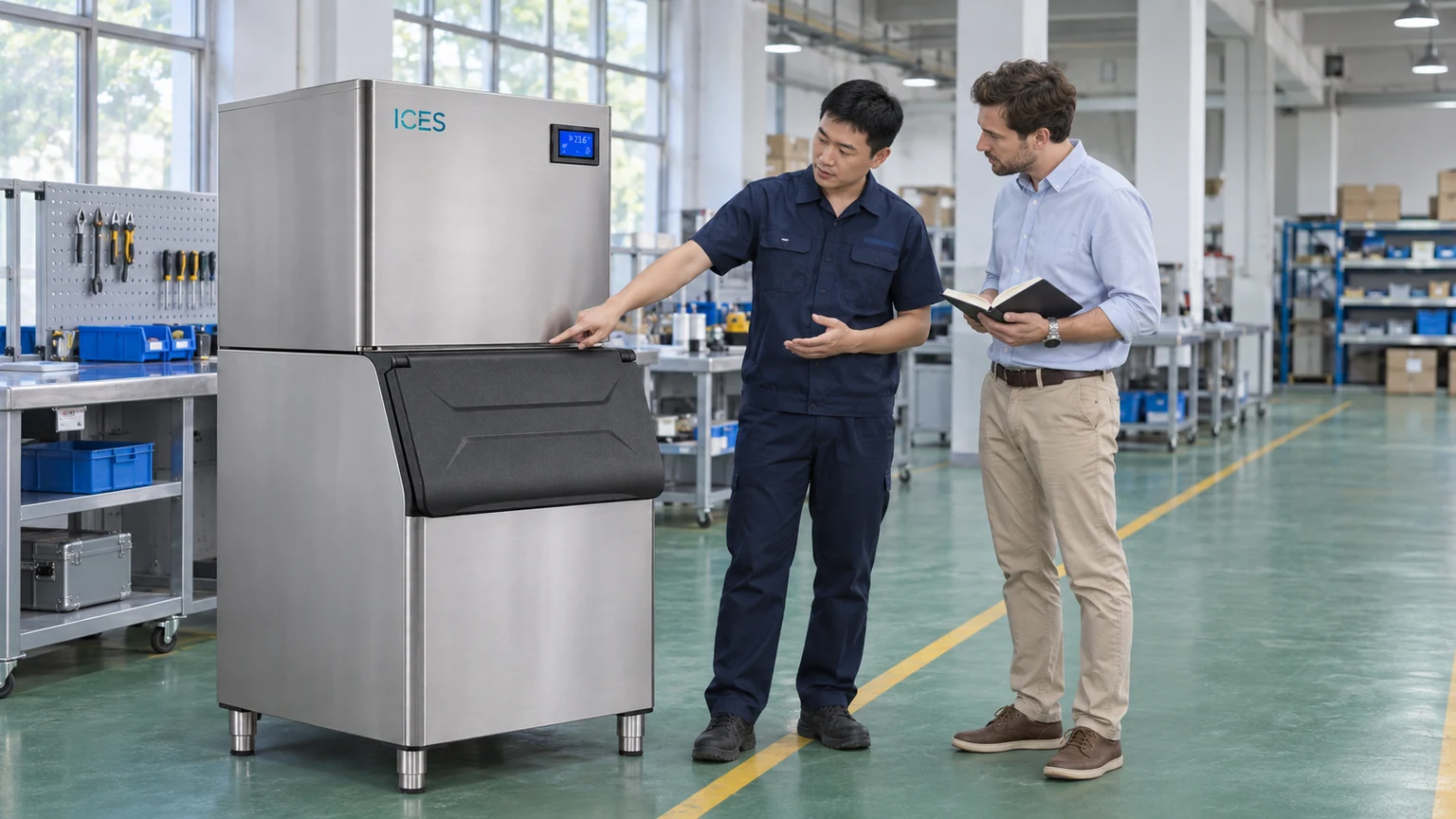
Watch the ICES testing-area clip to see the factory setup. The short clip shows the equipment in the testing area; the 24-hour operating and output checks are recorded separately.
The recorded output describes what the unit produced under the factory test conditions. A catalog figure is a model rating, and site output can vary with operating conditions. If you are using a production figure to plan capacity, match it to the exact model and the conditions relevant to your site.
What to check for your order
Use the factory operating test and your order review for different decisions. The operating test checks the machine itself. Your purchase order establishes which configuration, accessories, marking and packaging you expect to receive.
Before shipment, check the latest agreed order for the model and configuration on each line. Review the included bin and accessories where applicable, and check that labels, packaging and included documents match the agreed scope. If you plan to inspect part of a batch, agree in advance which units the inspection covers and what evidence will be recorded.
If a check finds a difference, record the order line, the agreed requirement, what you observed and what must be reviewed before release. For a repeat order or a private-label first batch, use the approved configuration and artwork references. The OEM and ODM guide explains how to identify those versions before you place the order.
Check the Shipment Before Installation
Have the agreed order and packing list on hand. Keep the receiving record with the delivery reference so the installation lead can see what arrived and what still needs checking.
| When | What to record |
|---|---|
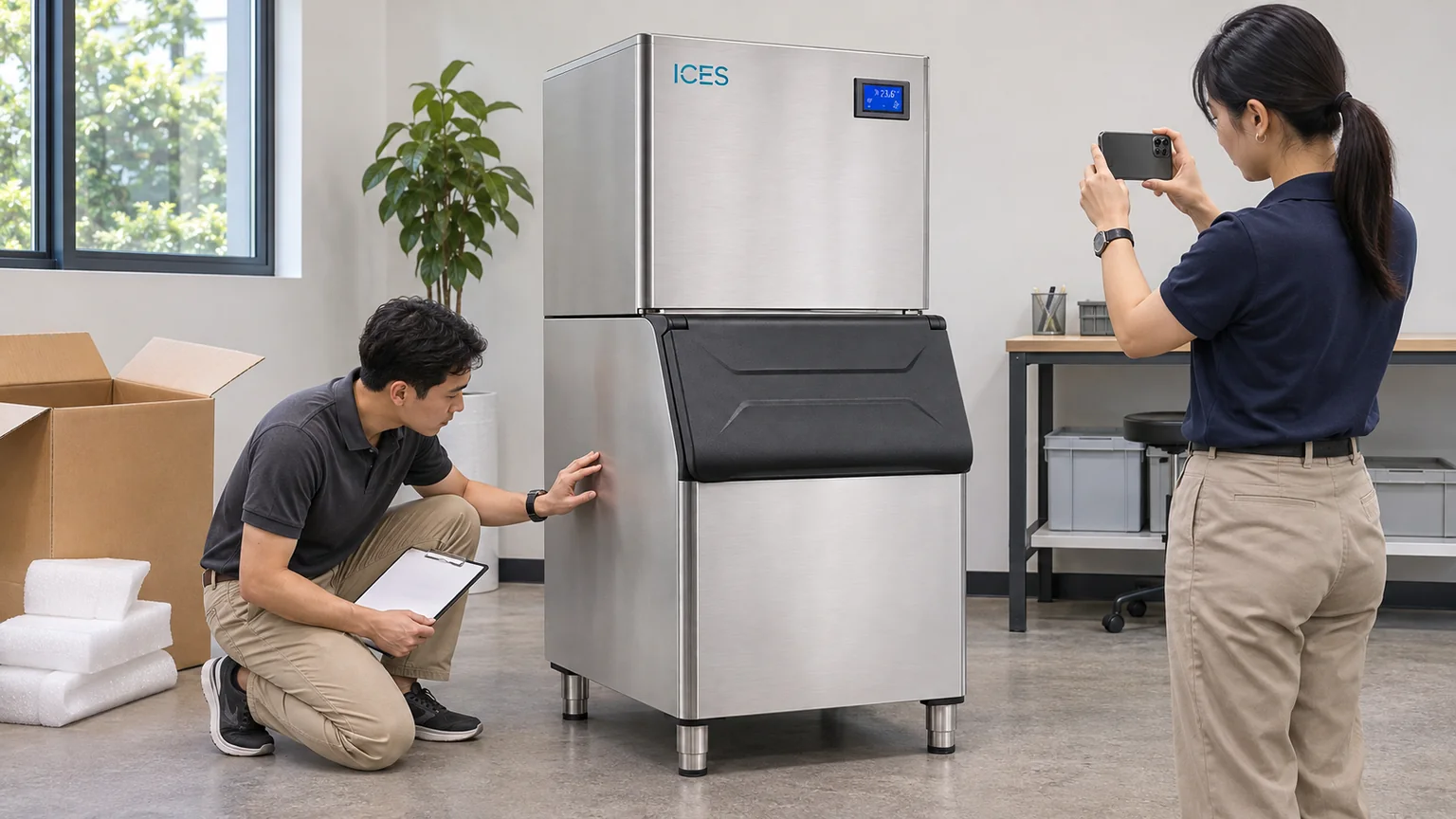
| Before unpacking | Match the package count and labels to the packing list. Photograph the labels and any visible dents, tears or signs that a package got wet. |
| During unpacking | Match the machine model, the bin and the listed accessories to the agreed order. Record any missing or incorrect item with its order line, label and a photo where available. |
| Before handover | Give the installer the checked items and the receiving record. Set aside damaged or mismatched items and flag any shortages to the person coordinating delivery. Use the agreed receiving procedure for the next step. |
Use the pre-order site checklist to check access and planned connections before installation.
Keep the shipping and site checks separate
If a unit produces less ice than expected after installation, keep two lines in the handover record. For dispatch, list the agreed order configuration and what the factory operating check was intended to verify. For the site, record when fresh ice appeared, what else drew ice from the bin and the conditions at the time. Give the service team the quote reference, model and serial number so it can work from the correct configuration.
Use the site observation record to write down what happened before contacting service.
Discuss your pre-shipment requirements
If your project calls for particular order checks, contact ICES with the quote reference, model and inspection scope you want to agree before dispatch.